
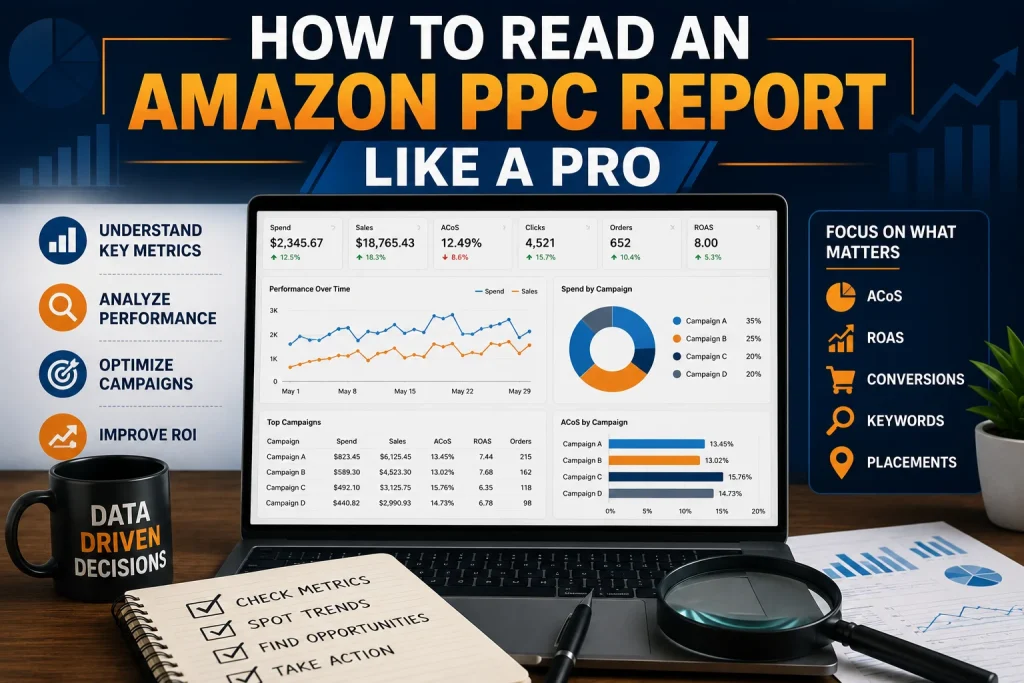
How to Read an Amazon PPC Report Like a Pro
Many Amazon sellers open an Amazon PPC report. They feel totally overwhelmed. There are many numbers, campaign names, clicks, sales and advertising costs.. The truth is, an Amazon PPC report is not that complicated once you know what each number means. Reading an Amazon PPC report like a professional is not about looking at every figure. It is about finding out what the numbers are trying to tell you and using that information to make decisions about your advertising. Whether you manage your store or work with a team of experts understanding your report can help you improve your performance and protect your advertising budget. Start With the Big Picture Before you look at campaigns start with the overall performance of your account. Check how much you have spent on advertising, how sales you have generated from ads how many people have seen your ads, how many people have clicked on your ads and how many orders you have received. This first review helps you understand what is going on with your Amazon PPC activity. Are your sales going up while your spending stays under control or is your budget growing faster than your revenue? Do not make decisions based on one number. Just because you are spending more on advertising it does not mean it is bad if you are getting sales.. Just because you are spending less it does not mean you are doing well. Professional Amazon PPC analysis always looks at the cost. The return together. Understand Impressions and Clicks Impressions show how many times your ads were shown to shoppers. Clicks show how many people were interested enough to visit your product page. If your ads are being shown a lot but not many people are clicking on them you may need to take a look at your targeting or how your product is presented. The keyword you are using may be attracting the people or your product may not look appealing enough in search results. If your ads are not being shown much it could be because your keywords are not reaching enough people your bids are too low or your campaign targeting is not strong enough. This is where you need to dig instead of just increasing your budget. Check Your Click Through Rate Your click through rate tells you how well your ad is attracting attention. It compares the number of clicks with the number of times your ad is shown. A strong click through rate usually means that your keyword and product offer are relevant to shoppers. A weak rate may mean that your targeting is too broad or that your main product image and title are not creating interest. When you are reading an Amazon PPC report like a pro always compare your click through rate across campaigns. This makes it easier to see which campaigns are attracting the people and which ones need improvement. Study Conversion Rate Carefully Clicks are great. Conversions are what turn traffic into real business results. Your conversion rate shows how many shoppers completed a purchase after clicking on your ad. If a campaign is getting a lot of clicks but not many orders the problem may not be the ad itself. Your product listing could have pricing issues, weak content, poor images or limited customer trust. This is also why you should review your Amazon PPC data alongside your Amazon strategy. If you are using an Amazon Brand Registry service you should make sure your advertising insights are being used to support your brand growth and improve the customer journey. Look Closely at ACOS Your advertising cost of sales is one of the important numbers in your Amazon PPC report. It shows how much you spent on advertising to generate your sales. A lower ACOS can look good. The ideal number depends on your business goals. If you are launching a product you may need to spend more on advertising to get visibility. If you have an established product you may need to keep your costs under control. Never judge your ACOS without considering your profit margins. A campaign with an ACOS can still be valuable if it supports profitable growth and brings in customers who continue buying from your brand. Compare TACOS With PPC Performance Your total advertising cost of sales gives you a view of your business. It compares your advertising spend with your sales not just your advertising sales. This metric helps you understand whether your Amazon PPC campaigns are contributing to your business growth. If your advertising is improving and your total sales are also growing your campaigns may be supporting visibility and stronger product performance. Experienced sellers do not just focus on one Amazon PPC metric. They compare numbers to understand the complete business picture. Find Wasted Advertising Spend One of the advantages of reading Amazon PPC reports properly is finding where you are wasting your money. Look for campaigns and search terms that get clicks but do not generate sales. Also check keywords that spend consistently without producing results. These areas may need bids, improved targeting or negative keyword adjustments. Reducing waste does not mean stopping every campaign that does not do well for a time. It means identifying patterns and making decisions based on data. Review Campaigns by Purpose Every campaign should have a purpose. Some campaigns are designed for discovery while others focus on proven keywords and sales. When you are reviewing your report separate your campaigns based on their role. This helps you avoid comparing a testing campaign with an optimized sales campaign. A professional Amazon PPC review also considers how advertising fits into ecommerce activities. For example an Amazon Brand Registry service can support brand protection and content opportunities while Amazon PPC data can reveal which products and search terms are attracting the customer interest. Use the Report to Make Decisions The best Amazon PPC reports do not just describe what happened. They help you decide what to do After reviewing your numbers create

