BizisTech | No.1 Ecommerce Marketing Agency USA

#AmazonAds

Blog

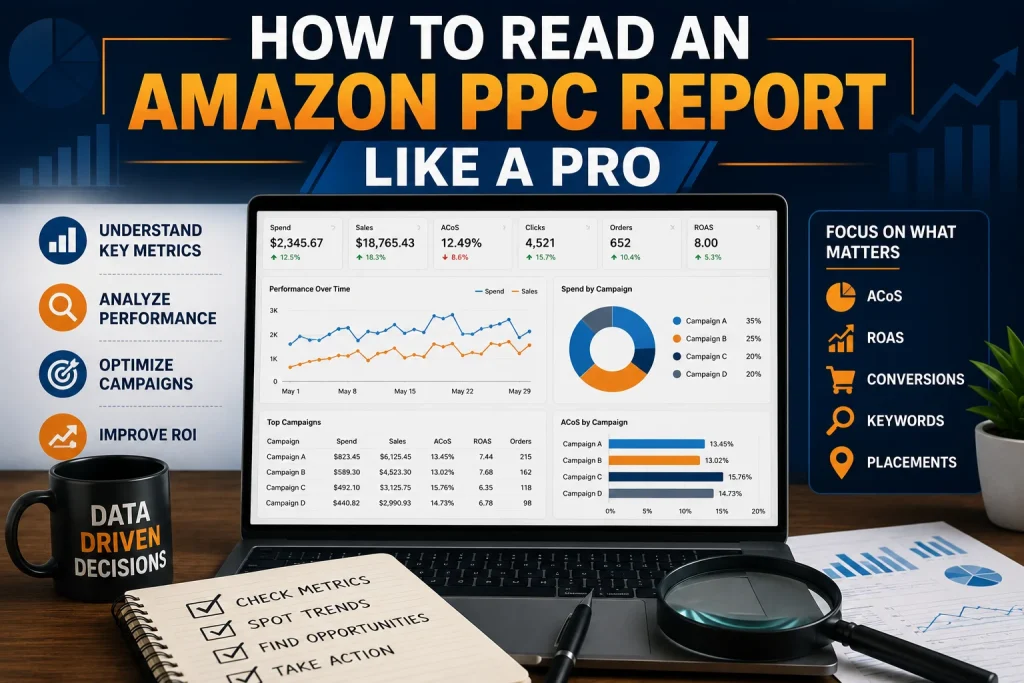
How to Read an Amazon PPC Report Like a Pro

Many Amazon sellers open an Amazon PPC report. They feel totally overwhelmed. There are many numbers, campaign names, clicks, sales and advertising costs.. The truth is, an Amazon PPC report is not that complicated once you know what each number means. Reading an Amazon PPC report like a professional is not about looking at every figure. It is about finding out what the numbers are trying to tell you and using that information to make decisions about your advertising. Whether you manage your store or work with a team of experts understanding your report can help you improve your performance and protect your advertising budget. Start With the Big Picture Before you look at campaigns start with the overall performance of your account. Check how much you have spent on advertising, how sales you have generated from ads how many people have seen your ads, how many people have clicked on your ads and how many orders you have received. This first review helps you understand what is going on with your Amazon PPC activity. Are your sales going up while your spending stays under control or is your budget growing faster than your revenue? Do not make decisions based on one number. Just because you are spending more on advertising it does not mean it is bad if you are getting sales.. Just because you are spending less it does not mean you are doing well. Professional Amazon PPC analysis always looks at the cost. The return together. Understand Impressions and Clicks Impressions show how many times your ads were shown to shoppers. Clicks show how many people were interested enough to visit your product page. If your ads are being shown a lot but not many people are clicking on them you may need to take a look at your targeting or how your product is presented. The keyword you are using may be attracting the people or your product may not look appealing enough in search results. If your ads are not being shown much it could be because your keywords are not reaching enough people your bids are too low or your campaign targeting is not strong enough. This is where you need to dig instead of just increasing your budget. Check Your Click Through Rate Your click through rate tells you how well your ad is attracting attention. It compares the number of clicks with the number of times your ad is shown. A strong click through rate usually means that your keyword and product offer are relevant to shoppers. A weak rate may mean that your targeting is too broad or that your main product image and title are not creating interest. When you are reading an Amazon PPC report like a pro always compare your click through rate across campaigns. This makes it easier to see which campaigns are attracting the people and which ones need improvement. Study Conversion Rate Carefully Clicks are great. Conversions are what turn traffic into real business results. Your conversion rate shows how many shoppers completed a purchase after clicking on your ad. If a campaign is getting a lot of clicks but not many orders the problem may not be the ad itself. Your product listing could have pricing issues, weak content, poor images or limited customer trust. This is also why you should review your Amazon PPC data alongside your Amazon strategy. If you are using an Amazon Brand Registry service you should make sure your advertising insights are being used to support your brand growth and improve the customer journey. Look Closely at ACOS Your advertising cost of sales is one of the important numbers in your Amazon PPC report. It shows how much you spent on advertising to generate your sales. A lower ACOS can look good. The ideal number depends on your business goals. If you are launching a product you may need to spend more on advertising to get visibility. If you have an established product you may need to keep your costs under control. Never judge your ACOS without considering your profit margins. A campaign with an ACOS can still be valuable if it supports profitable growth and brings in customers who continue buying from your brand. Compare TACOS With PPC Performance Your total advertising cost of sales gives you a view of your business. It compares your advertising spend with your sales not just your advertising sales. This metric helps you understand whether your Amazon PPC campaigns are contributing to your business growth. If your advertising is improving and your total sales are also growing your campaigns may be supporting visibility and stronger product performance. Experienced sellers do not just focus on one Amazon PPC metric. They compare numbers to understand the complete business picture. Find Wasted Advertising Spend One of the advantages of reading Amazon PPC reports properly is finding where you are wasting your money. Look for campaigns and search terms that get clicks but do not generate sales. Also check keywords that spend consistently without producing results. These areas may need bids, improved targeting or negative keyword adjustments. Reducing waste does not mean stopping every campaign that does not do well for a time. It means identifying patterns and making decisions based on data. Review Campaigns by Purpose Every campaign should have a purpose. Some campaigns are designed for discovery while others focus on proven keywords and sales. When you are reviewing your report separate your campaigns based on their role. This helps you avoid comparing a testing campaign with an optimized sales campaign. A professional Amazon PPC review also considers how advertising fits into ecommerce activities. For example an Amazon Brand Registry service can support brand protection and content opportunities while Amazon PPC data can reveal which products and search terms are attracting the customer interest. Use the Report to Make Decisions The best Amazon PPC reports do not just describe what happened. They help you decide what to do After reviewing your numbers create
Blog

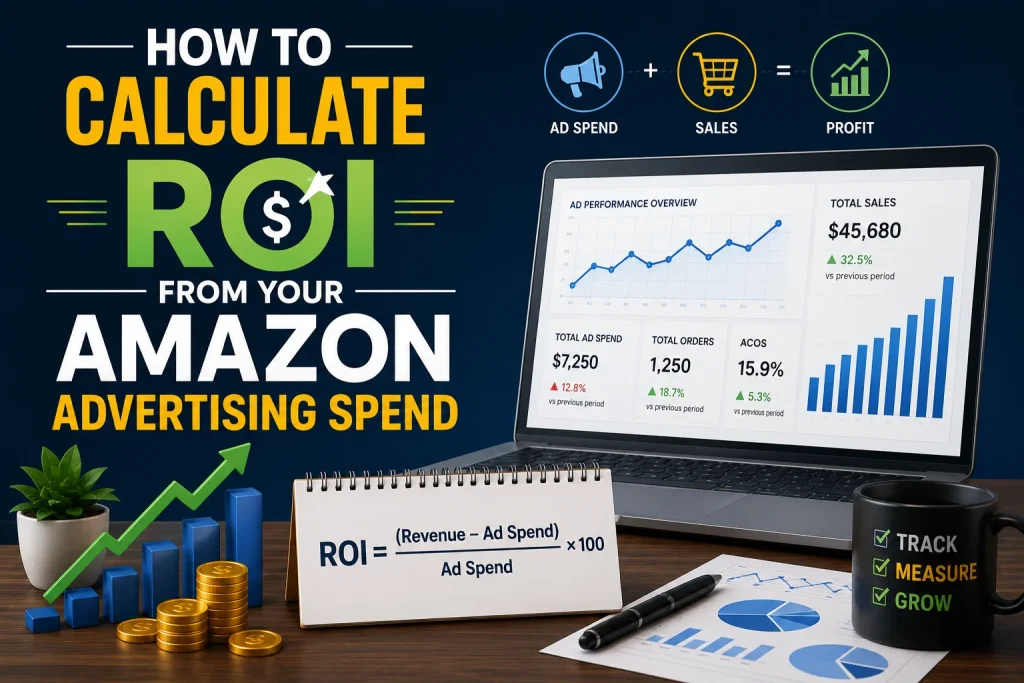
How to Calculate ROI From Your Amazon Advertising Spend

Running ads without checking if they work is like driving without a map. Many Amazon sellers spend money on ads hoping to sell more. They don’t know if those ads are making a profit. Understanding your Return on Investment or ROI helps you make ad decisions and grow your business. At Bizistech we believe good ads are based on facts, plans and constant improvement. Knowing how to calculate ROI helps sellers find winning ads cut spending and increase profit over time. What Is Amazon Advertising ROI ROI measures how money you make compared to how much you spend on ads. Of just looking at clicks or views ROI tells you if your ad budget is making you money. A good ROI means your ads make money than they cost. A low or bad ROI means you need to change your ads. The Simple Formula for ROI Calculating ROI is easy. ROI equals Profit divided by Ad Cost multiplied by 100. For example if your ad costs $500 and makes $2000 in sales with $1000 in profit your ROI shows how well your ad is doing. The higher the ROI, the better your ads are working. Know the Difference Between Revenue and Profit One big mistake sellers make is calculating ROI based on sales. Revenue is what customers pay while profit is whats left after paying all business costs. To calculate a ROI include costs like product cost Amazon fees, shipping, storage fees and ad costs. Using profit of revenue gives a clearer picture of ad success. Track the Right Performance Metrics ROI makes sense with other important ad metrics. * Watch your conversion rate to see how many visitors buy. * Monitor click-through rate to measure ad engagement. * Check ad cost compared to sales to keep spending under control. * Review cost per click to see how efficiently your budget is used. These numbers help explain why your ROI is going up or down. Improve Campaign Performance with Better Optimization Even if your ROI is just okay you can improve it. * Focus on keywords that make sales. * Remove keywords that waste money. * Test product. Descriptions to build customer trust. * Adjust bids based on ad performance. Professional Amazon brand management also helps sellers improve product visibility strengthen brand identity and increase conversion rates leading to ad results. Why Product Listings Affect ROI Your ad can attract shoppers but your product listing turns them into buyers. * Clear product. Descriptions. * Attractive images. * Competitive pricing. All contribute to conversion rates. Better listings reduce wasted ad spend. Combining ads with effective Amazon brand management creates a better customer experience and improves business performance. Avoid ROI Mistakes Many sellers struggle with ROI because they overlook details. * Some increase ad budgets fast. * Others ignore trends or don’t monitor ad performance. * Many forget to calculate profit Review campaigns regularly. Make data-driven decisions. Use Data for Long Term Growth Ad success isn’t about finding one ad. It’s about learning and improvement. Analyze reports, compare ad performance find products and reinvest in strategies that work. Businesses that combine ads with professional Amazon brand management build stronger brands and grow steadily. Why Businesses Choose Bizistech Bizistech helps sellers get the most, from every ad dollar through ad management detailed analysis and constant improvement. With expert guidance businesses make informed ad decisions and strengthen their Amazon brand management strategy for long-term success. Final Thoughts Calculating ROI from your Amazon ad spend is a skill. It helps you understand where your money works and where it doesn’t. By tracking profit monitoring metrics, optimizing campaigns and maintaining quality product listings you can turn ads into a business growth source.

Blog

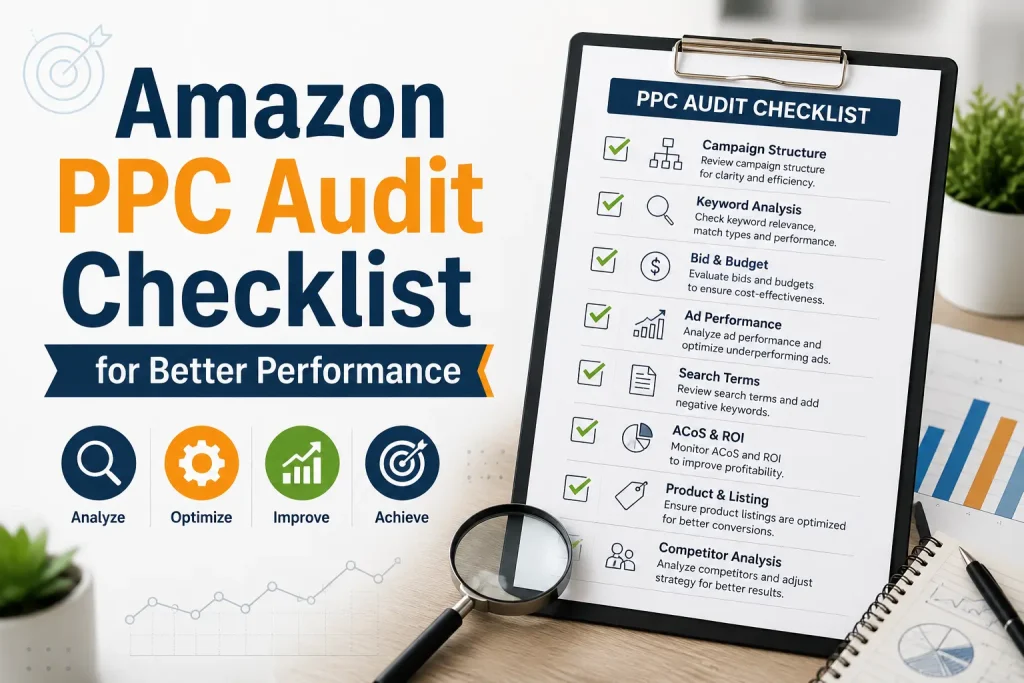
Amazon PPC Audit Checklist For Better Performance

Running Amazon PPC campaigns is a way to get your products seen and drive sales.. Just launching campaigns is not enough. If you do not check on them regularly you might be wasting money on keywords that do not work bids that’re too high and campaigns that do not convert. A detailed PPC audit helps you find the points make things more efficient and get the most out of your money. Whether you are new to selling on Amazon or you have been doing it for a while it is really important to check on your advertising performance if you want to be successful in the long run. This checklist will walk you through all the steps to optimize your Amazon PPC campaigns and get better results. Amazon advertising is always changing. Peoples behavior changes your competitors change their prices. What people search for changes throughout the year. A campaign that worked well month might not work as well today. Doing a PPC audit helps you find out where you are wasting money make your keyword targeting better increase conversions and keep your advertising campaigns profitable. Companies that use professional Amazon ads management services often do audits to make sure they are getting the most out of their advertising money. Review Campaign Structure The first thing you need to do when you are auditing your PPC campaigns is to look at how they’re set up. Your campaigns should be organized in a way that makes sense like by product category, product type or what you want to achieve with your advertising. If your campaigns are not organized well it can be hard to optimize them. You might not get an accurate picture of how they are performing. Ask yourself these questions: Is each campaign trying to achieve a goal? Are your products grouped in a way that makes sense? Are your automatic and manual campaigns separate? Is it clear what each campaign is for? If your campaign structure is clean and easy to understand it will be a lot easier to optimize your campaigns in the future. Analyze Advertising Performance Next you need to take a look at how your campaigns are performing. Look at things like how many people’re seeing your ads how many people are clicking on them and how many people are actually buying something. You should also look at your click-through rate, conversion rate and how much you are spending on advertising compared to how much you’re making. If you have campaigns that are spending a lot of money but not converting well you need to take a look at them. On the hand if you have campaigns that are converting well you might want to consider giving them more money to see if you can increase sales. Looking at your campaign performance helps you understand where your advertising money is being used effectively and where you need to make some changes. Evaluate Keyword Performance Keywords are really important for Amazon PPC campaigns. When you are auditing your campaigns you need to find out which keywords are working well and which ones are not. Look for keywords that are consistently generating sales and get rid of keywords that are wasting your money. You should also look for opportunities to add keywords that might help you reach more customers. If you have keywords that are getting a lot of clicks but not converting you might want to consider lowering your bids or getting rid of them altogether. On the hand if you have keywords that are consistently generating sales you might want to consider increasing your bids to see if you can get more traffic. Check Search Term Reports A lot of sellers do not pay attention to search term reports but they can be really helpful. These reports show you what people are searching for when they click on your ads. You can use these reports to find keywords that might be profitable get rid of search terms that are not relevant to your products and add negative keywords to prevent your ads from showing up for searches that are not a good fit. By optimizing your search terms you can reduce spend and make your advertising campaigns more effective. Review Bid Strategy Your bid strategy can have an impact on how profitable your campaigns are. You should regularly review your keyword bids. Compare them to how your campaigns are actually performing. If you have keywords that are getting a lot of clicks but not converting you might want to consider lowering your bids. On the hand if you have keywords that are consistently generating sales and you have room to increase traffic you might want to consider increasing your bids. By adjusting your bids you can make sure you are competitive without overspending. Optimize Negative Keywords Negative keywords can help you prevent your ads from showing up for searches that’re not relevant to your products. A lot of advertisers waste money because they do not use keywords effectively. You should regularly review your campaigns. Add negative keywords for search terms that do not match your products generate clicks without purchases or target the wrong customer audience. By adding keywords you can improve your targeting and reduce unnecessary advertising costs. Examine Product Listings Even if your PPC campaigns are optimized they will not be effective if your product listings are not good. You should regularly audit your product listings to make sure they are complete and accurate. Look at things like your product title, images, bullet points, product description, pricing, reviews and A+ content. By improving your product listings you can increase conversion rates. Make your PPC campaigns more effective. Monitor Budget Allocation A common mistake is to allocate the budget to every campaign regardless of how well it is performing. Instead you should invest money in campaigns that are delivering profitable sales and limit spending on campaigns that are not performing well. Your daily budgets should be based on how your campaignsre actually performing,

Scroll to Top